 PC Remote Controller
The Ultimate Remote Control for Your PC
Turn your Android phone or tablet into a powerful wireless mouse, keyboard, and remote for your Windows PC. Simple to set up, intuitive to use, and completely free.
48,000+ users
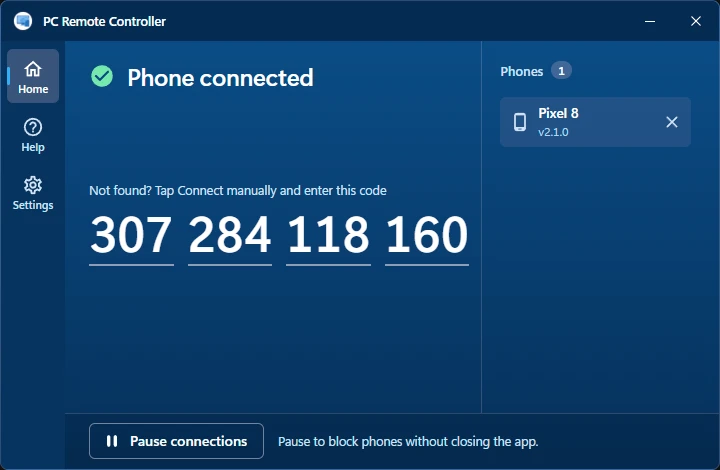
Tap Connect. It finds the PC.
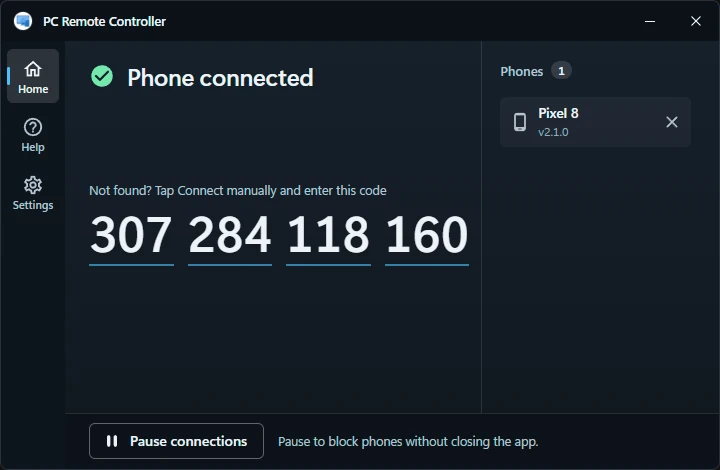
Install the app on your phone and on your Windows PC, both on the same Wi-Fi. Tap Connect and your phone finds the PC by itself. If it ever can't, scan the QR on the PC or type its code.
Full setup guide
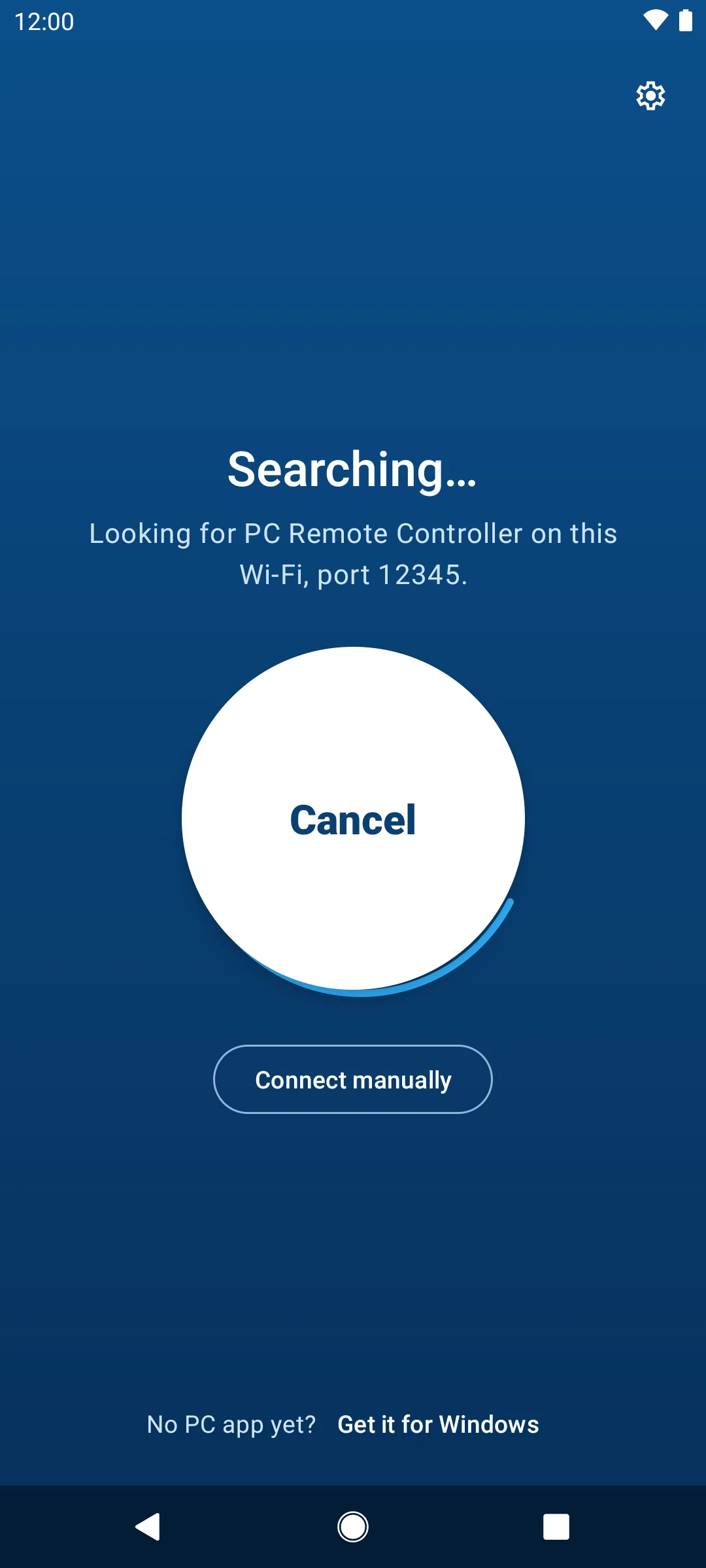
Your phone is the mouse.
And the keyboard, the volume knob and the off switch for the PC across the room.
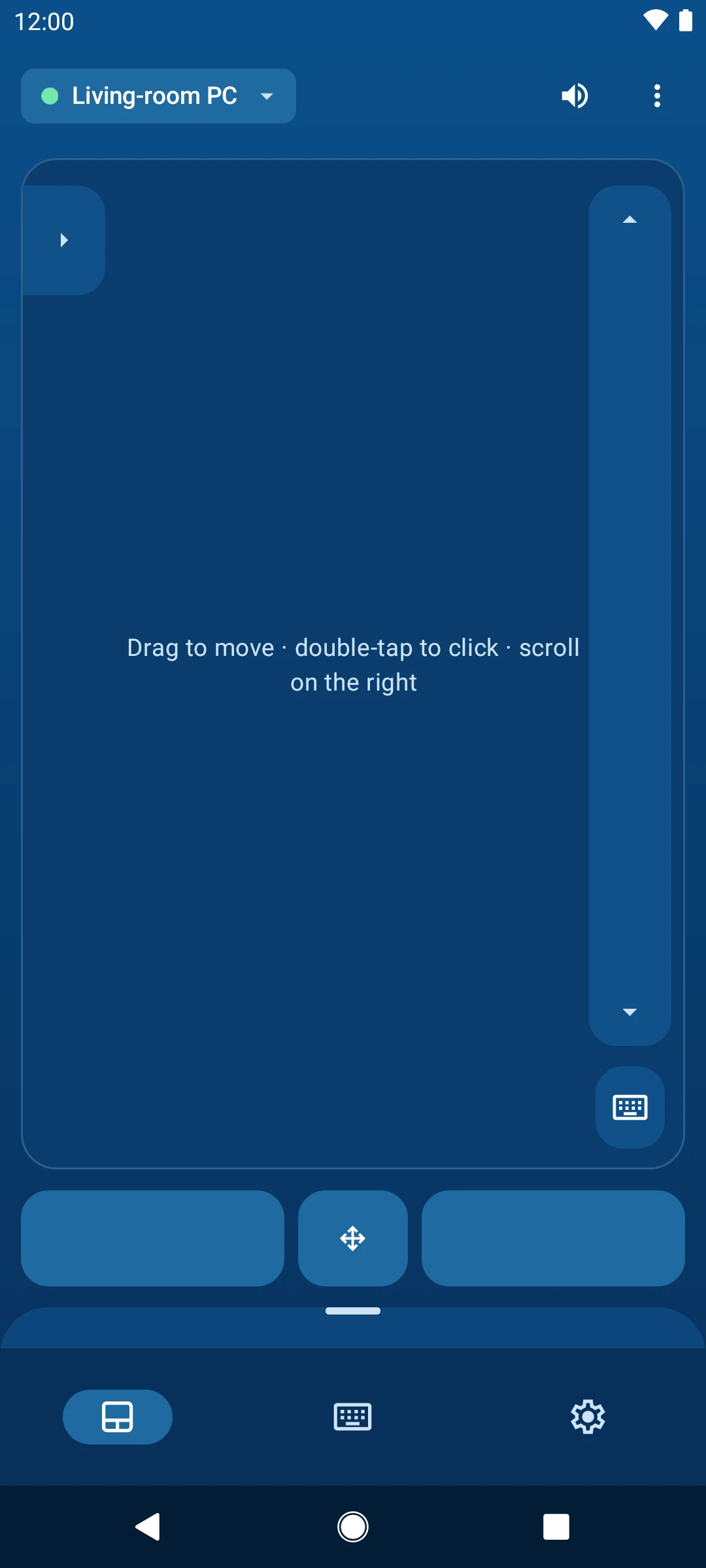
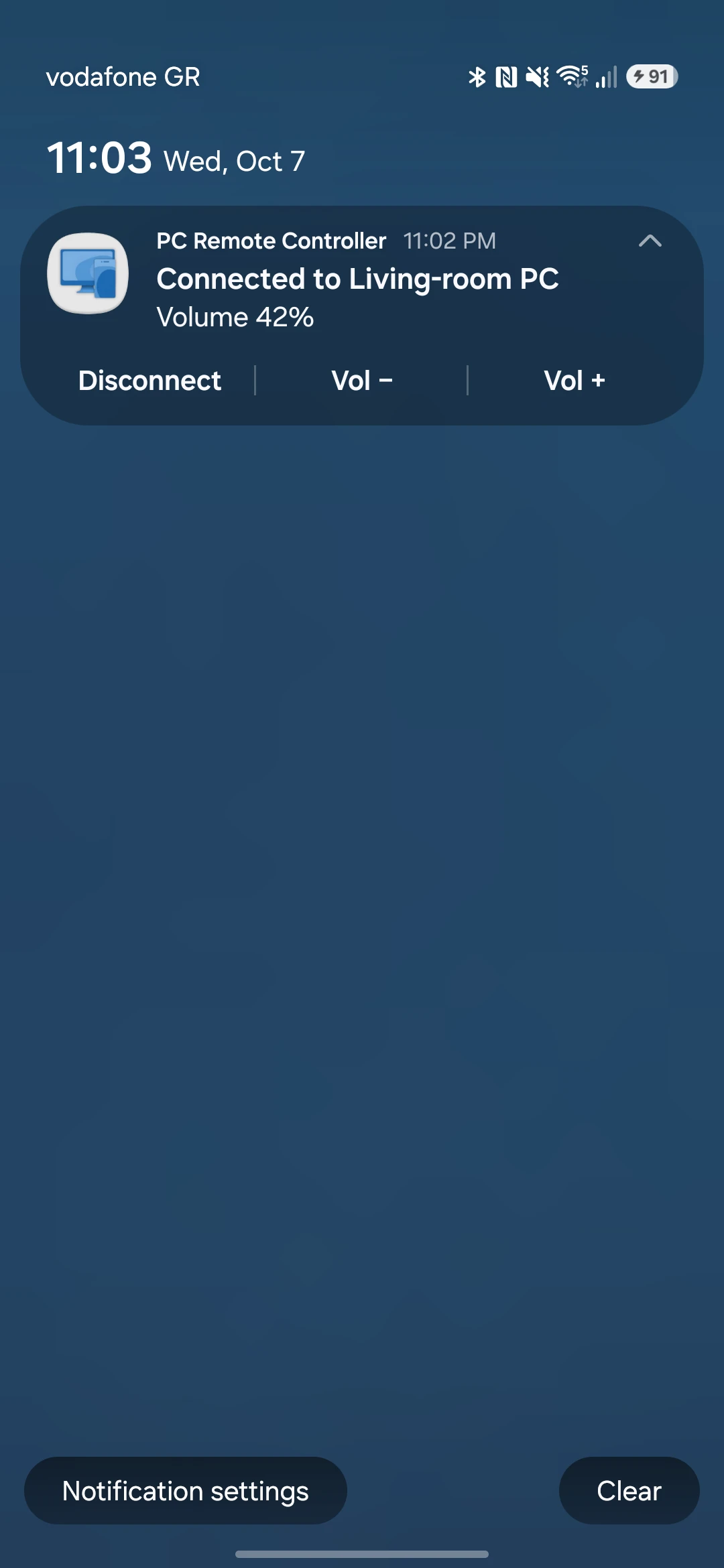
Connected to Living-room PC
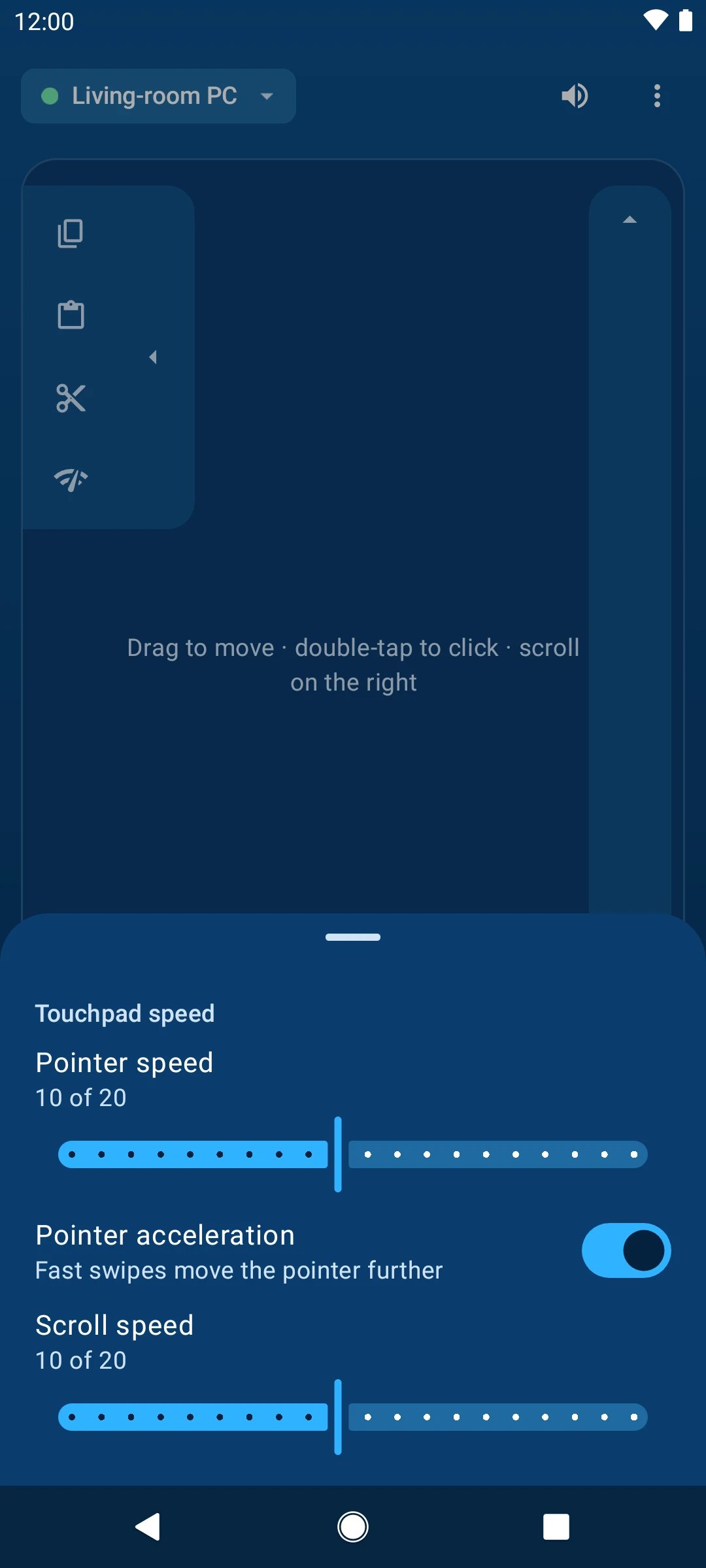
A touchpad that feels right.
Move, tap to click, scroll on the strip, drag with the lock. Set the pointer speed, acceleration and scroll speed to your hand. Your top three shortcuts slide out from the edge.
- Pointer speed
- Acceleration
- Scroll speed
- Your top three shortcuts
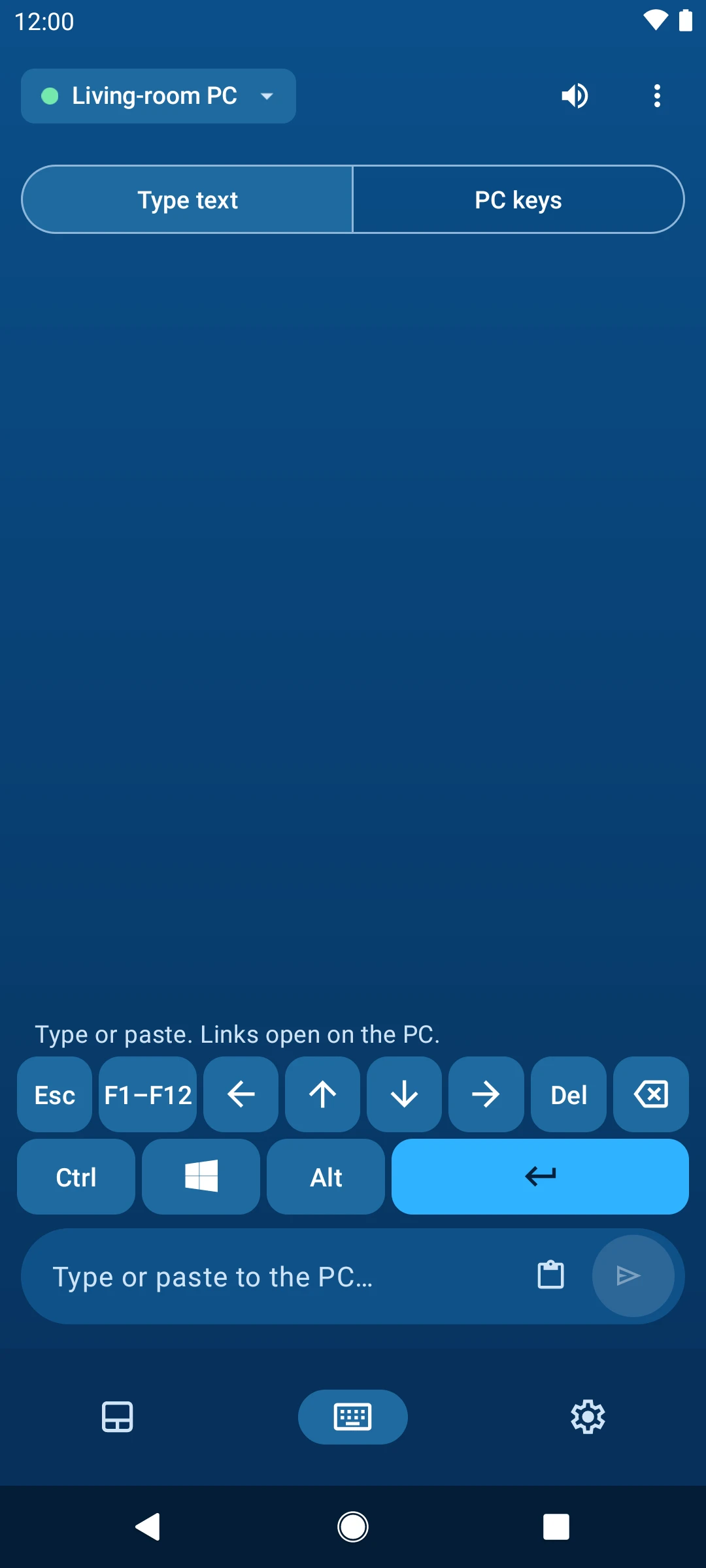
Type from the sofa, in any language.
Text goes to the PC as you send it. Tab, Esc, the arrows and F1 to F12 are one tap away. Paste a link and Send becomes "Open on PC"; share one from any app to "Share to PC Remote".
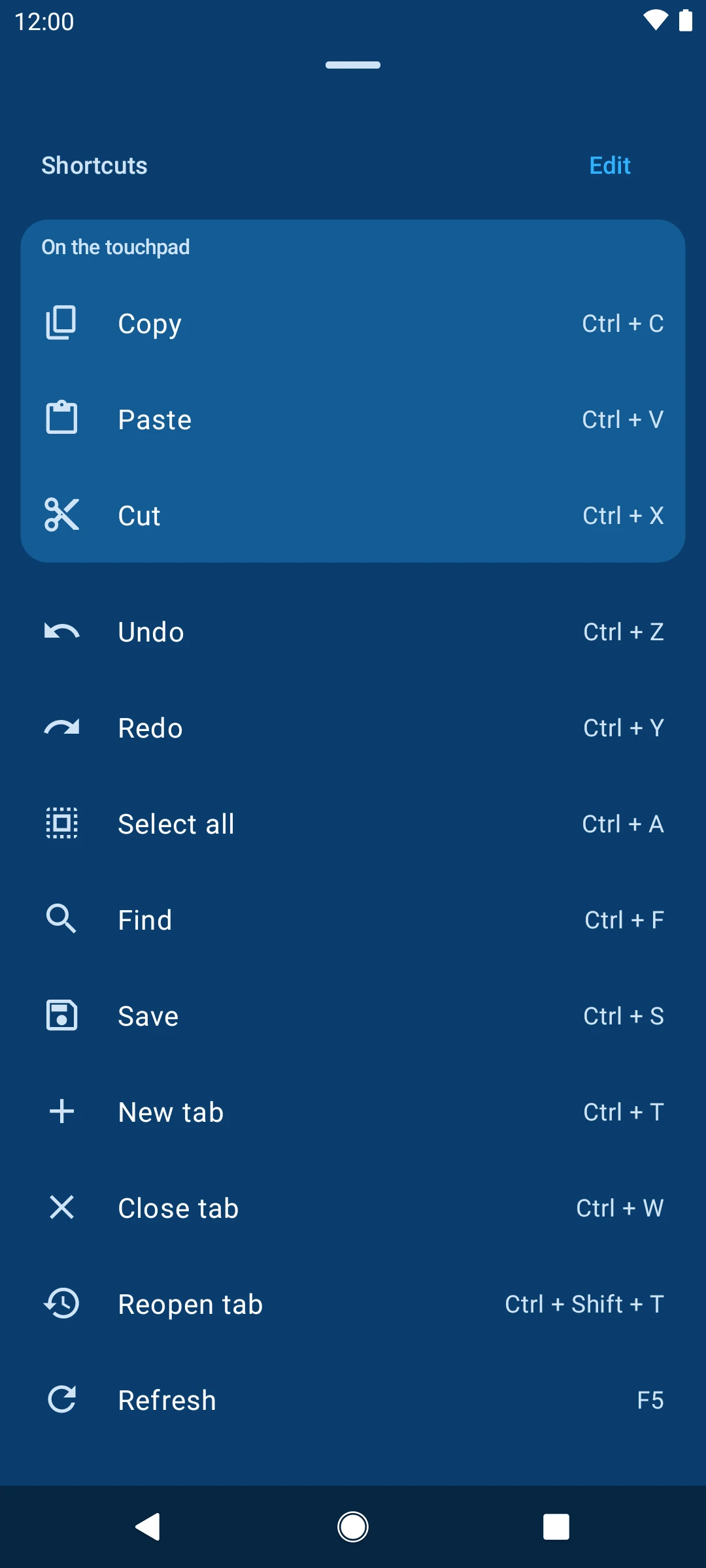
Shortcuts, made for thumbs.
Copy, paste, undo, reopen a tab: one tap each, with the keys beside every name. Keep the ones you use, in your order. The first three sit on the touchpad.
- Your own list
- In your order
- Top three on the touchpad
Any other shortcut.
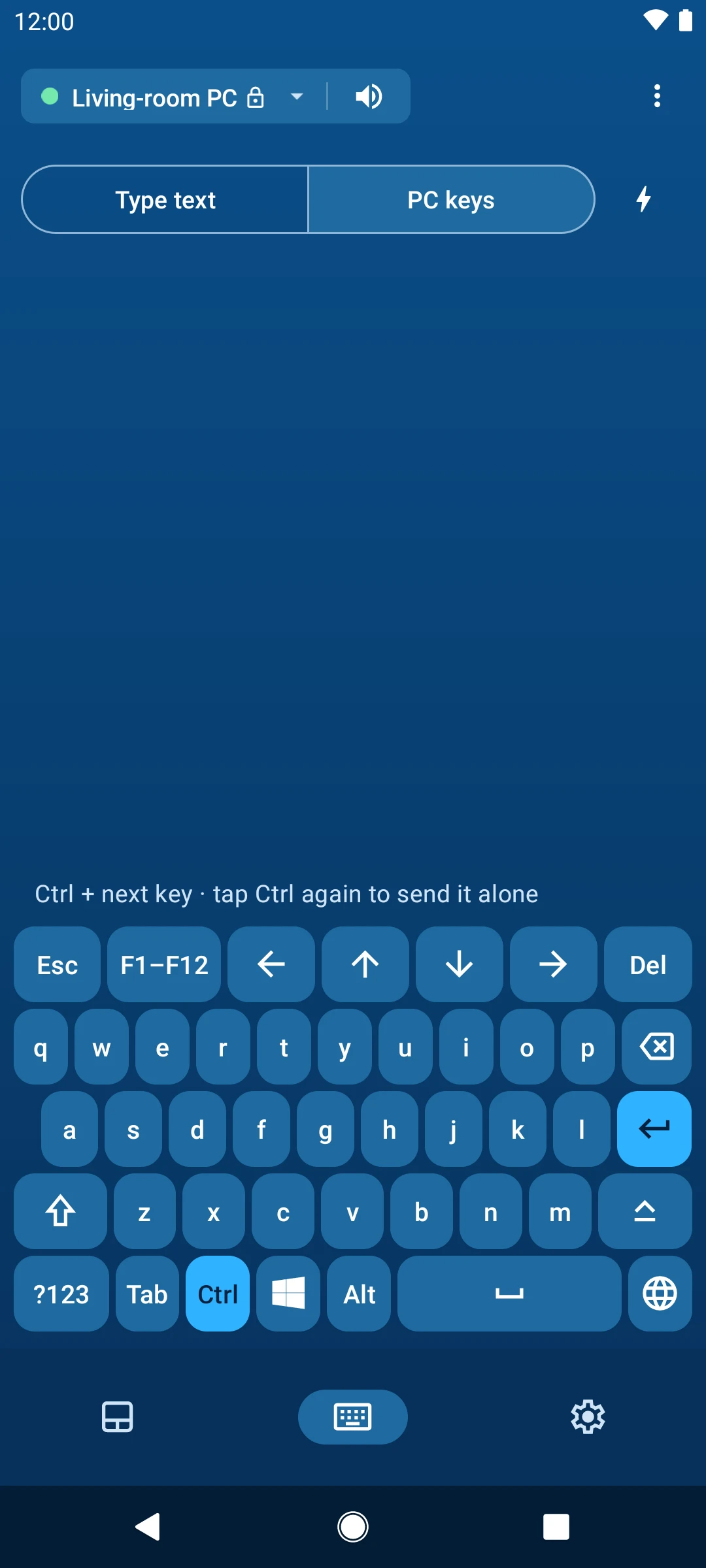
Tap Ctrl, Alt, Shift or Windows, then any key: Ctrl, then C copies.
- Ctrl, Alt, Shift, Windows
- Alt+Tab, Win+D
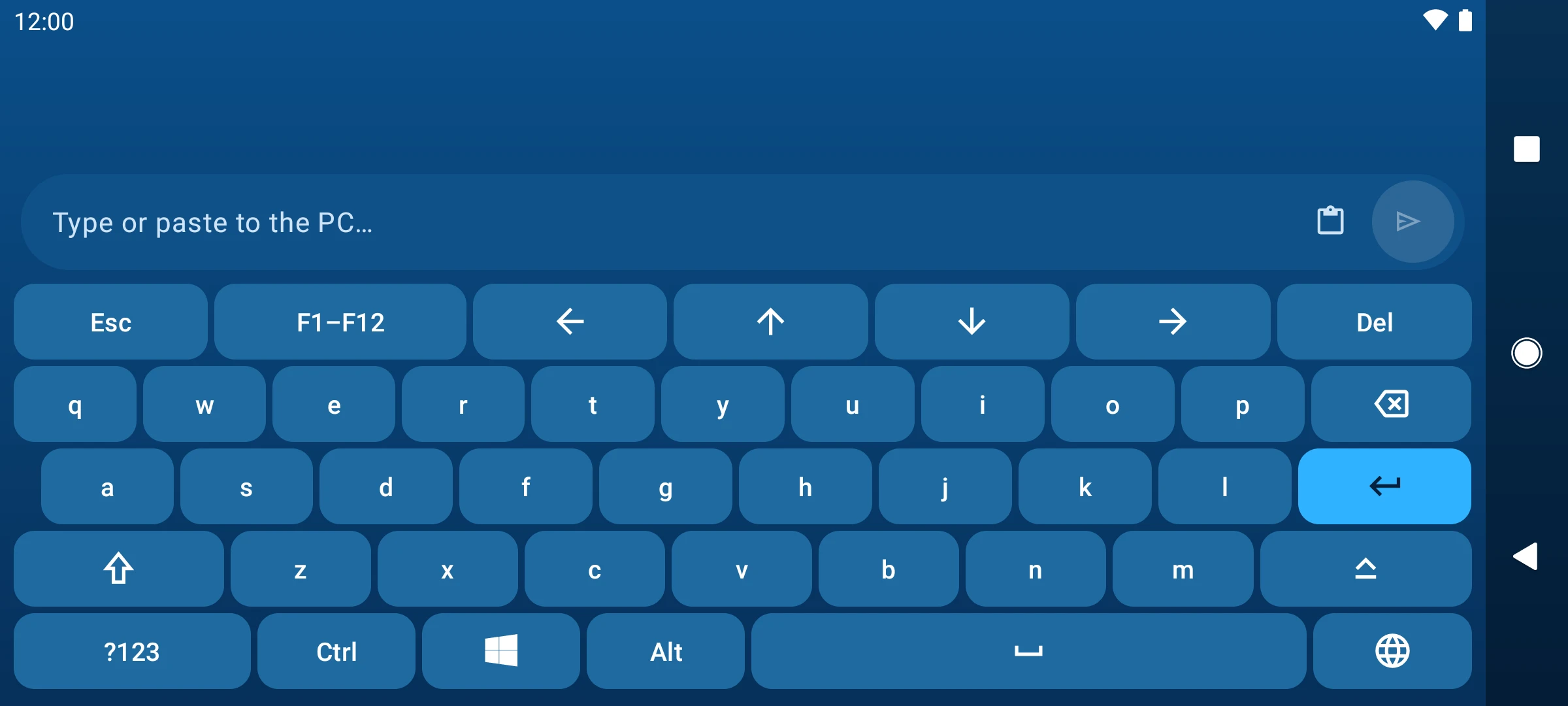
Turn it sideways for the full keyboard.
Rotate the phone on the keyboard and every key gets room, Tab, Ctrl and Windows included.
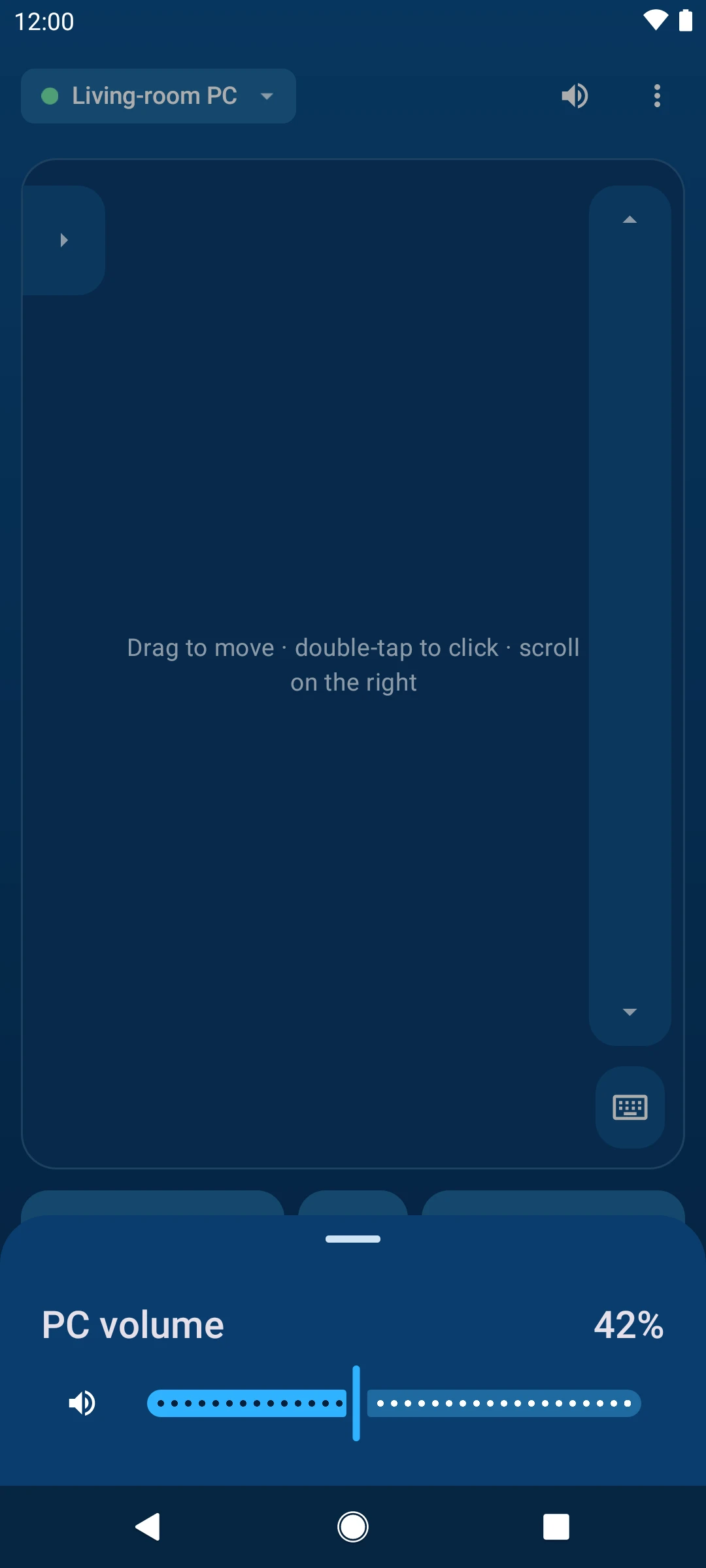
Your volume buttons turn the PC up.
While the app is open, the phone's own buttons change the PC's volume. The slider, mute, play, pause and skip are one tap away.
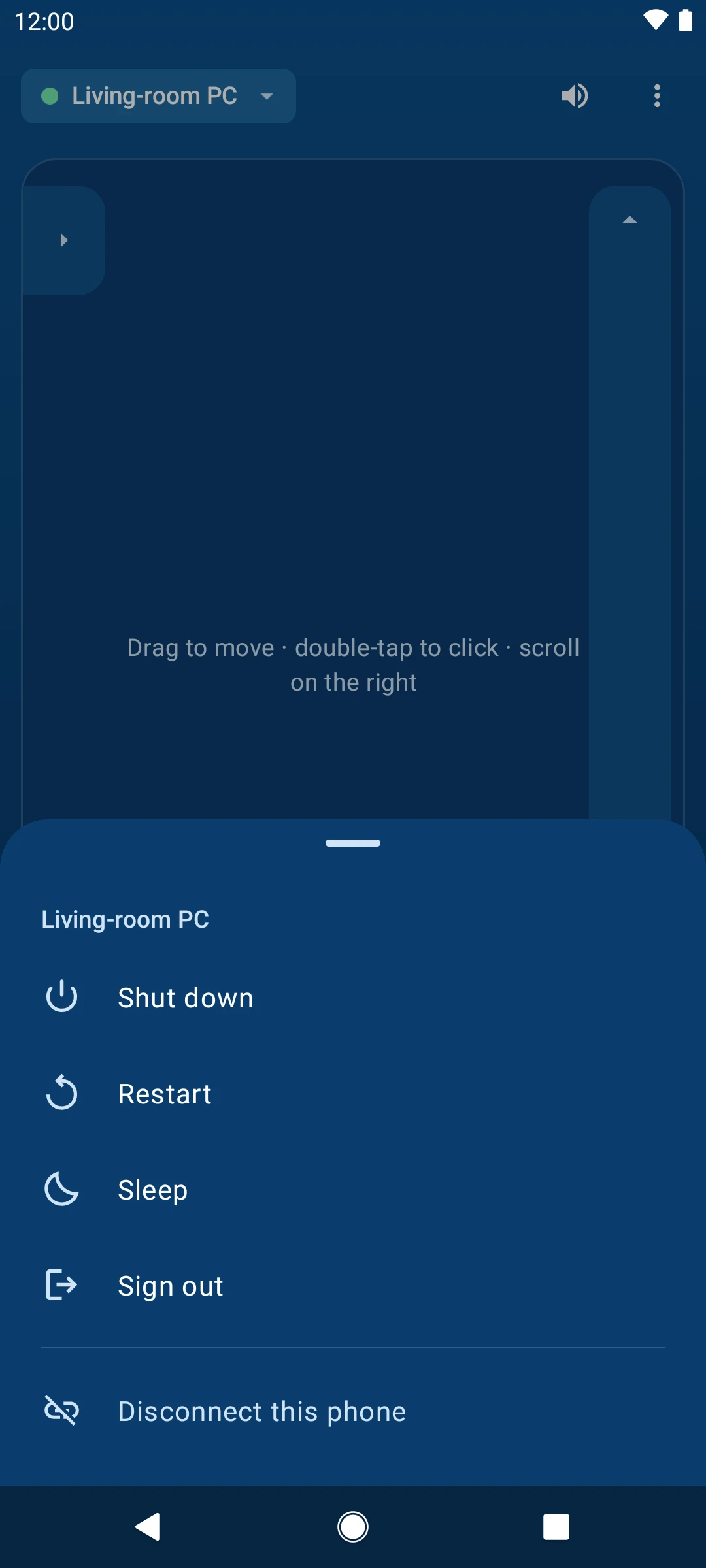
Shut it down from bed.
Shut down, restart, sleep or sign out, from the PC's name at the top. The ones you can't undo ask first.
In control, even with the screen off.
Lock the phone and it stays connected. Control the volume and disconnect when you're done, without opening the app.
Made for tablets too.
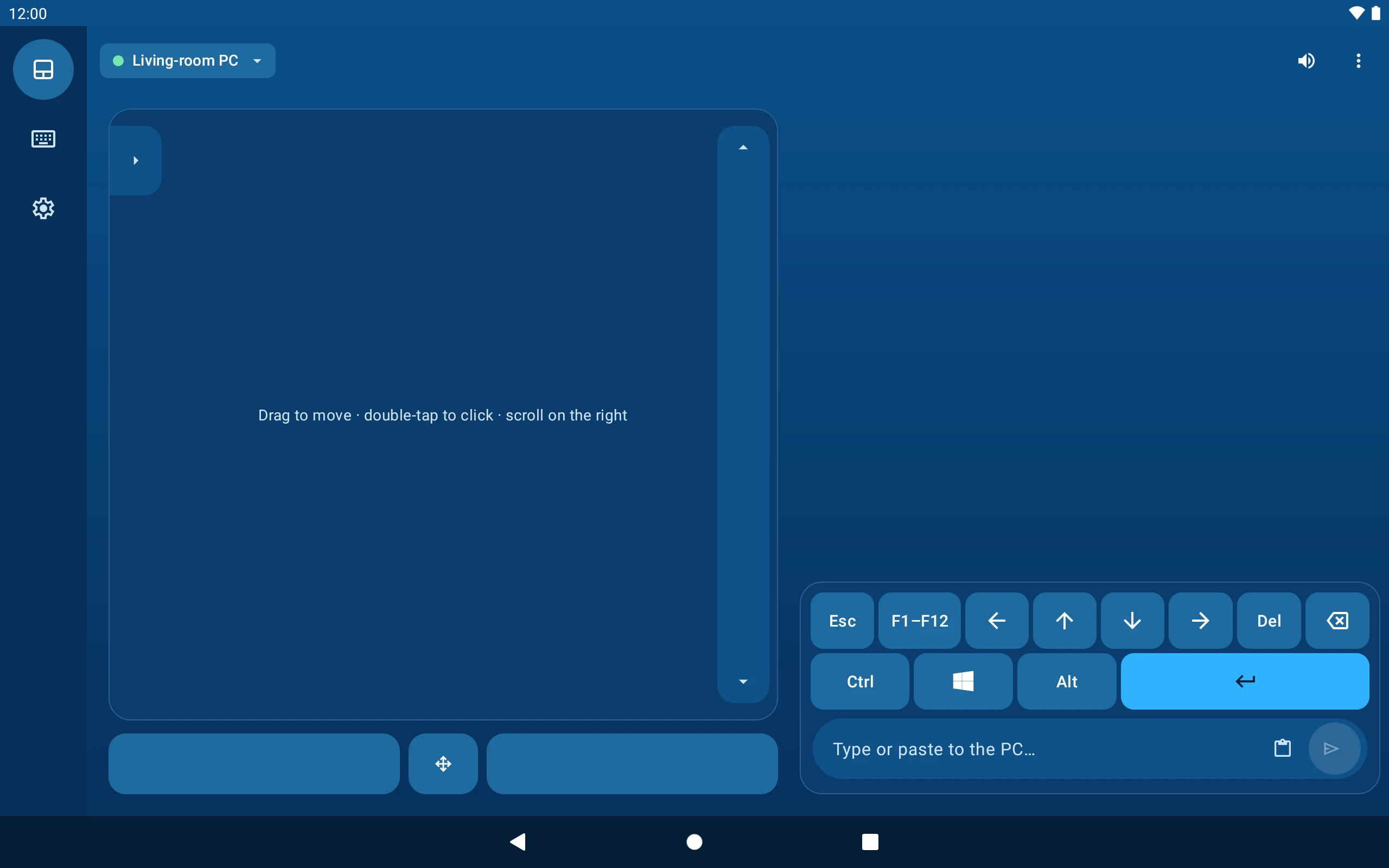
More room to work: on a tablet the touchpad and the keyboard sit side by side, so pointing and typing never fight for the screen.
The PC app stays out of the way.
It lives in the system tray, can start with Windows, and keeps itself up to date through the Microsoft Store. Blue, Dark or Light: pick the one that suits your PC.
- System tray
- Starts with Windows
- Blue, Dark, Light
- Microsoft Store updates
Get both apps
One app for your phone or tablet, one for your PC. Install both, tap Connect, and you're in control.
48,000+ users
What people say.
48,000+ users
Plug and play, as easy as breathing
Very Useful 👍
So, so Nice app
Why the hell hasn't anyone commented?
PERFECTTTT!!!!!
Finally, an app that works! God Job!
Questions
Setup, networks and help. Something else? Use the contact form below.
Is it really free?
Yes. The Android app and the Windows app are both free: no ads, no account, nothing to pay later.
What do I need?
An Android phone or tablet and a Windows PC on the same Wi-Fi network. Get the Android app from Google Play and the Windows app from the Microsoft Store.
Does anything leave my home network?
Your controls never do: your phone talks straight to your PC over your Wi-Fi, with no cloud service or account. The only thing the apps fetch from the internet is a small public file to check for updates.
My phone can't find the PC. What now?
Tap Scan QR and scan the QR on the PC app's Home, or tap Connect manually and type the code shown there. If it still doesn't connect: put both on the same Wi-Fi, turn off mobile data on the phone while it connects, and make sure the port is the same in both apps (12345 unless you changed it). If it works on a phone hotspot but not on your home Wi-Fi, your router may keep devices apart; turn off "AP isolation" or "client isolation" in its settings.
Does it work on tablets?
Yes. On a tablet the app uses a wider layout: navigation down the side, with the touchpad and the keys side by side.
How do I get help?
Use the contact form below. The developer reads every message.
About the developer
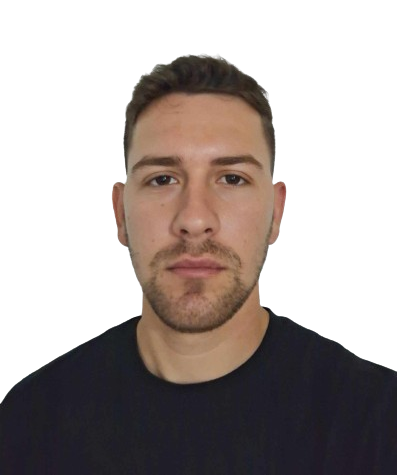
My name is Dimitrios Chloros. As a developer, I believe the most powerful tools are the ones that are simple, reliable, and accessible to everyone. I created PC Remote Controller to solve a problem I faced myself—needing a straightforward way to control my computer without being tied to my desk.
This project is independently developed and maintained with a focus on quality and user experience. Thank you for your support.
Contact the developer
A question, feedback or a feature request? Write here and you'll get an answer by email.